.png)
I’ve been playing with Google Stitch lately — Google’s new design-generation tool that quietly blurs the line between prototyping and AI-assisted creativity. On the surface, it looks like another attempt to “simplify design.” But the longer I use it, the more it feels like something else entirely: a bridge for non-designers who just need to get something visual working. I’m not a designer by trade — I live more in React components than color palettes — so I approached Stitch with cautious curiosity. After a few weeks of trying it out (and comparing it to Figma), I think I’ve figured out where it fits and who it’s actually for.
At first glance, Stitch looks like a stripped-down design editor with AI baked in. But that description doesn’t do it justice. It’s less like Figma, more like a prompt-based design environment.
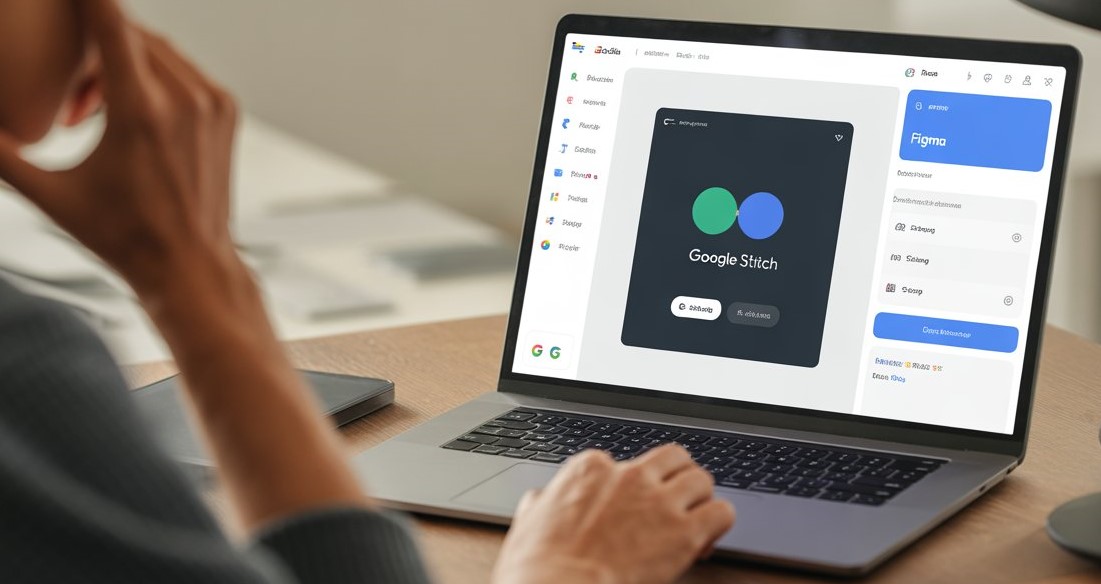
You describe what you want — a landing page, a blog layout, a pricing section — and Stitch generates it instantly, complete with color scheme, typography, and even responsive behavior. It’s powered under the hood by Gemini, Google’s multimodal AI model, which handles both design and semantic understanding of your request. Where it gets interesting is how much you can talk to it. Instead of dragging shapes or tweaking gradients, you write prompts like: “Create a minimalist dark theme portfolio site with geometric shapes and warm accent colors.” and Stitch just… builds it. Not a static mockup, either. You can inspect, edit, and even export the HTML/CSS directly. That alone makes it very different from Figma. Stitch doesn’t just design — it builds.
What Is Google Stitch, Really?
How It Compares to Figma
It’s tempting to think of Stitch as a Figma competitor, but after using both, I don’t think it is. They solve different problems for different people. Figma is a collaborative powerhouse. It’s made for design teams who obsess over spacing, grids, variants, accessibility, and micro-interactions. It’s the canvas where ideas evolve into systems. Stitch, on the other hand, feels like it was made for developers, marketers, and startup founders who don’t have a designer on speed dial. It’s for when you need something that looks decent without a week of UX debates. If you’re a designer, you’ll hit Stitch’s ceiling fast. There’s limited control over custom components, and design systems aren’t (yet) its strong suit. But if you’re a builder who just needs a landing page, dashboard, or app mockup that doesn’t look like a 2008 Bootstrap clone — it’s perfect.
It reminds me a bit of using Replit for quick prototypes. You’re not trying to win a design award — you’re trying to get unstuck. My Experience: Where It Works, and Where It Doesn’t When I first tried Stitch, I didn’t expect much. I thought it would be another “AI design toy” that generates something pretty but unusable. But the first project I tested was a small internal tool landing page for Codroon.
I wrote a prompt describing the tone, color palette, and layout. Something like
“Make a clean, two-tone layout for a productivity tool. Use shades of blue and off-white. Include a header, features section, and a sign-up card.” Within seconds, it produced a layout that was — honestly — not bad. I clicked “View Code,” and there it was: clean, semantic HTML and CSS I could copy or download. That was the “aha” moment.

By Codroon
Top Author
The Real Secret: Using AI to Design for Stitch
After some experimentation, I found a neat trick. Instead of writing Stitch prompts directly, I first go to Gemini or ChatGPT and ask them to write the prompt for me.
Something like
“Write a Stitch prompt for a modern SaaS dashboard with a teal-and-gray palette, rounded cards, and subtle motion. The tone should feel approachable and trustworthy.” That meta-prompt gives you a beautifully descriptive Stitch command you can paste right in. You can even do this page by page — homepage, pricing, about, blog layout — and Stitch will generate each piece consistently.
If you want to go further, you can tell the AI
“Keep typography and color consistent across all pages. Suggest layout variations for CTA sections.” And then hand those prompts to Stitch, one by one. It’s like assembling a site through conversation — AI to AI — while you steer the tone and direction. You’re no longer pushing pixels; you’re shaping intent. Why It’s Great for Non-Designers The more I used Stitch, the more I realized it’s not meant for design pros. It’s a tool for the rest of us.
By Codroon
Top Author
So, Is It Worth It?
If you’re expecting Stitch to replace Figma, no. It’s not built for that. But if you see it as a bridge between ideation and development, then absolutely — it’s worth it. It sits in a sweet spot: simple enough for non-designers, powerful enough for developers who don’t want to start from zero. In that sense, it reminds me of the early days of web frameworks — when tools like Next.js made development accessible without dumbing it down. Stitch is doing that for design. And it’s not just the tech that’s interesting — it’s the mindset shift. It’s changing how we think about starting projects. You don’t need perfect pixels before you begin. You just need momentum.
Final Thoughts Google Stitch isn’t a Figma killer — it’s a Figma companion. Figma is where design teams craft beautiful systems. Stitch is where ideas get their first form. It democratizes design in the same way AI democratized writing: not by making everyone an expert, but by making the act itself less intimidating. At Codroon, we’ve started using Stitch for quick internal mockups and early MVPs — not because it’s better, but because it’s faster to get started.
The best part? Every design you make is exportable HTML/CSS. No middleman, no waiting. Just design → code → iterate. And if you pair it with Gemini or ChatGPT to craft your prompts, you’ll be surprised how good your first drafts can look. In the end, Stitch isn’t competing with designers. It’s helping the rest of us think visually again. And that’s something I didn’t realize I’d been missing until I tried it.